Edit Any Photo with AI — Backgrounds, Filters & Retouching

Upload an image, describe what to change, and get professional edits in seconds. Ideal for portrait touch-ups, style swaps, and scene transformations.

Background & filter editsPortrait retouchingUp to 3 references

Edit photos with AI prompts

Upload Image to Edit
0/3

Required (1-3 images)

0/800
Aspect Ratio
Number of Output Images
Credits required

Generated Result

Your results will appear here after you start creating.

Before & after

See real AI photo edits

Drag the slider to compare originals with AI-edited results.

BeforeAfterAfter

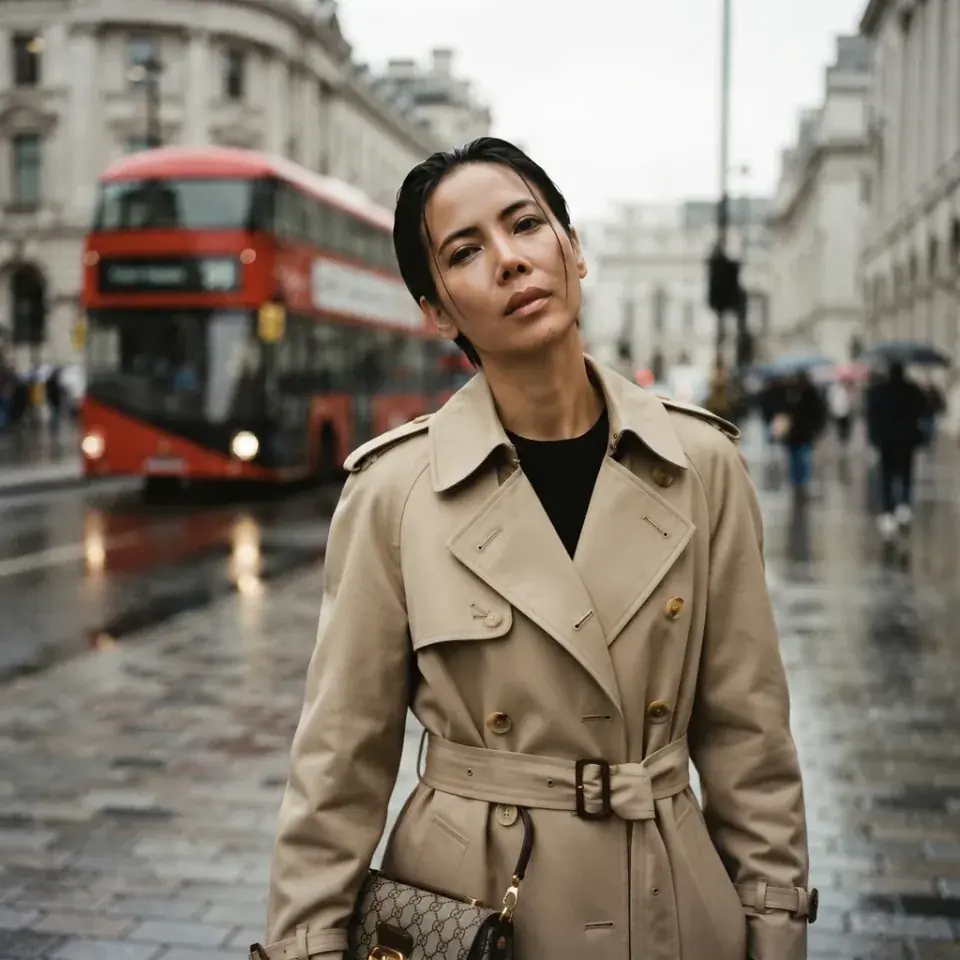
London street portrait

Turned a casual everyday selfie into a moody London street editorial.

Transform this casual portrait into a cinematic London street editorial with wet cobblestones, a red bus in soft focus, and overcast British light. Keep the same face.

BeforeAfterAfter

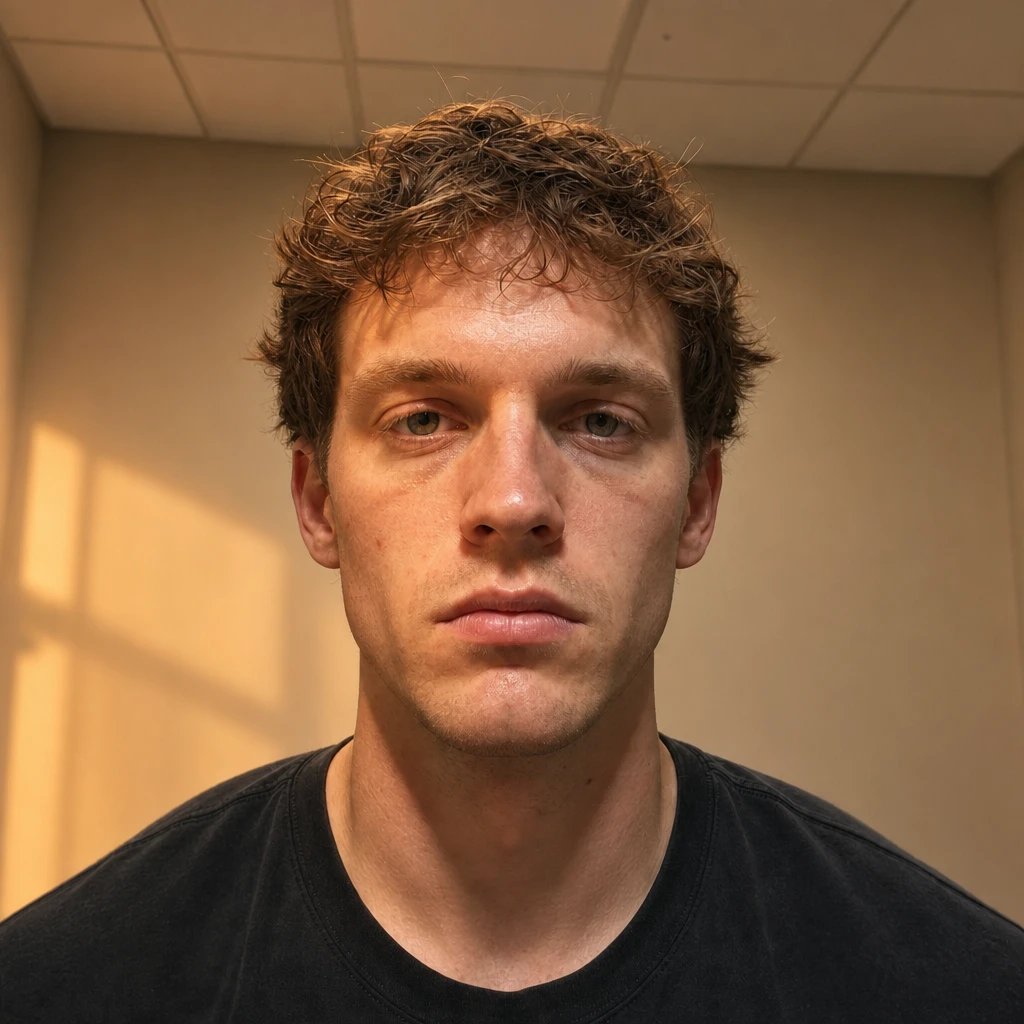
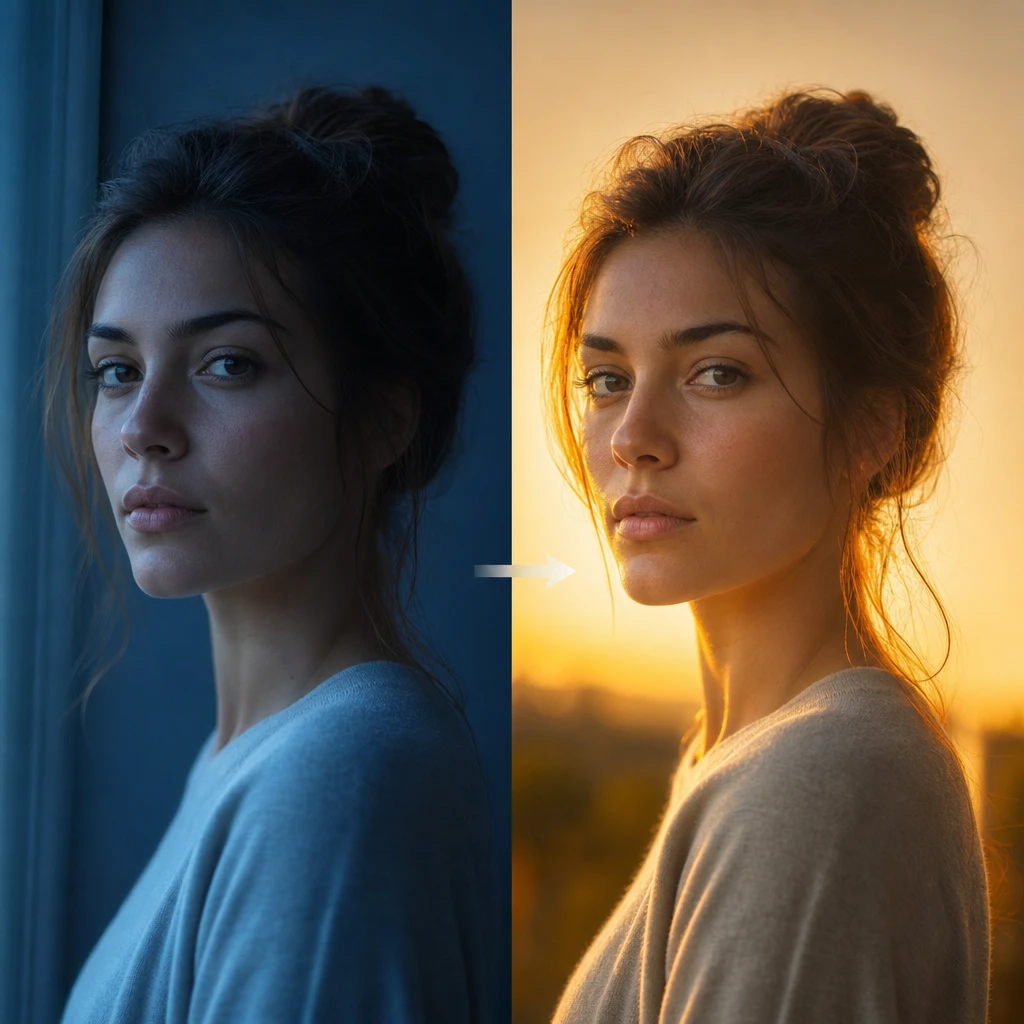
Golden-hour relight

Softened harsh lighting into warm sunset tones.

Add soft golden-hour lighting across the scene. Preserve the subject's identity and composition.

BeforeAfterAfter

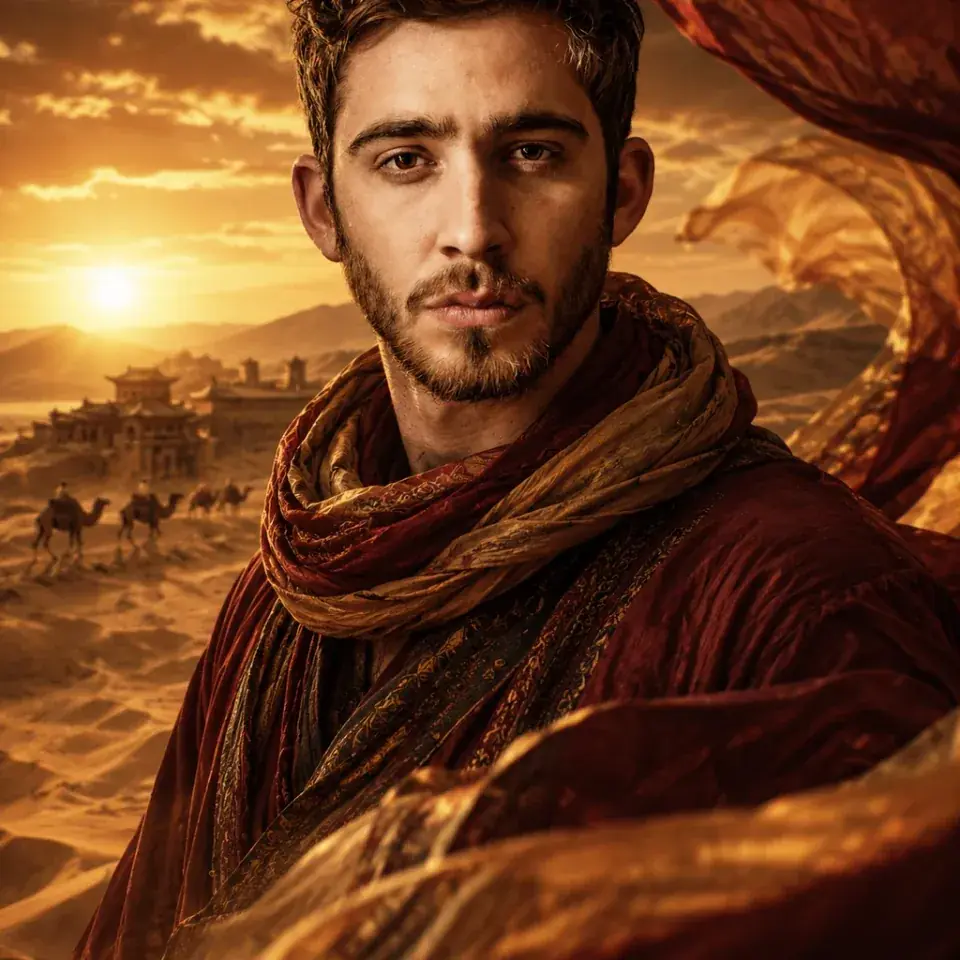
Dramatic style swap

From an ordinary snapshot to a striking Dunhuang desert editorial.

Dramatic style transformation: turn this casual portrait into a stunning Dunhuang desert editorial with sand dunes, sunset sky, and flowing silk. Preserve the exact same face.

BeforeAfterAfter

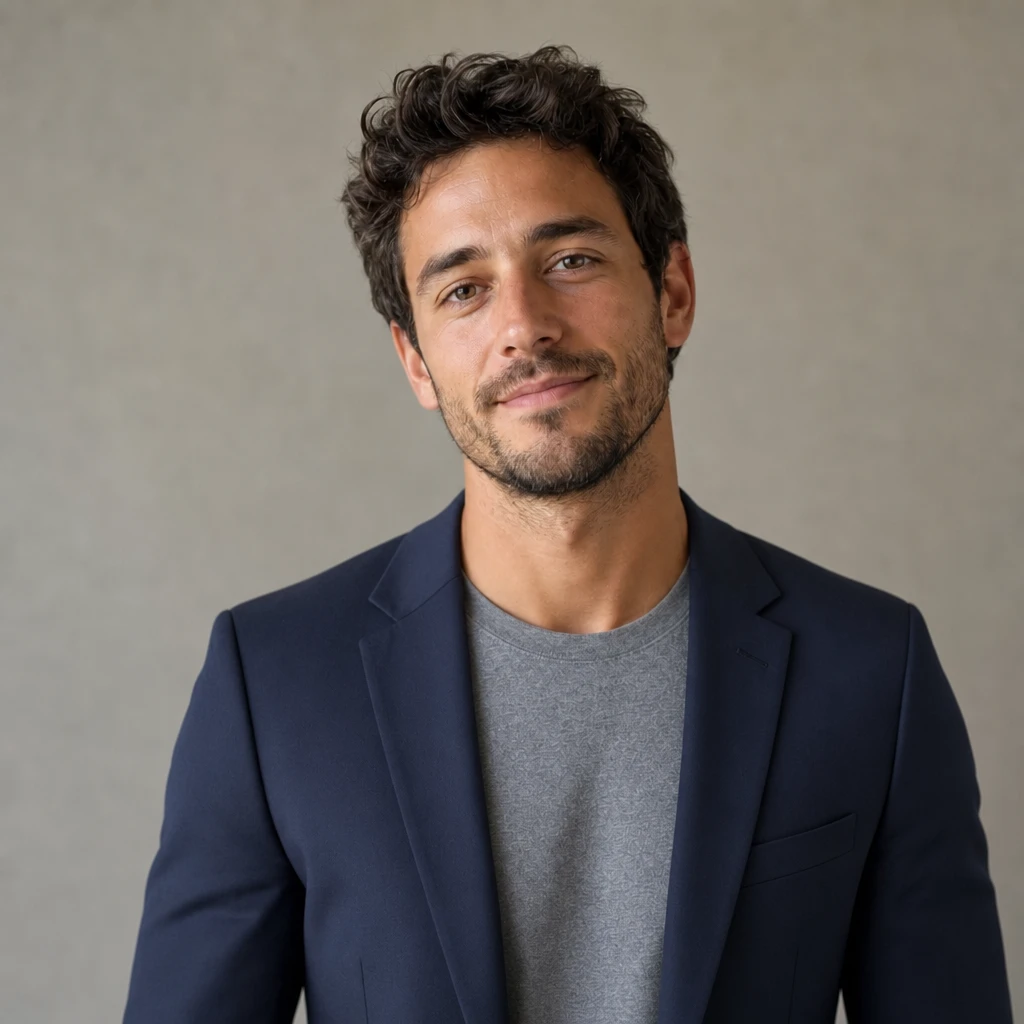
Smart casual to blazer

Swapped a t-shirt for a professional blazer.

Change the top to a fitted navy blazer. Keep face, hair, and background the same.

BeforeAfterAfter

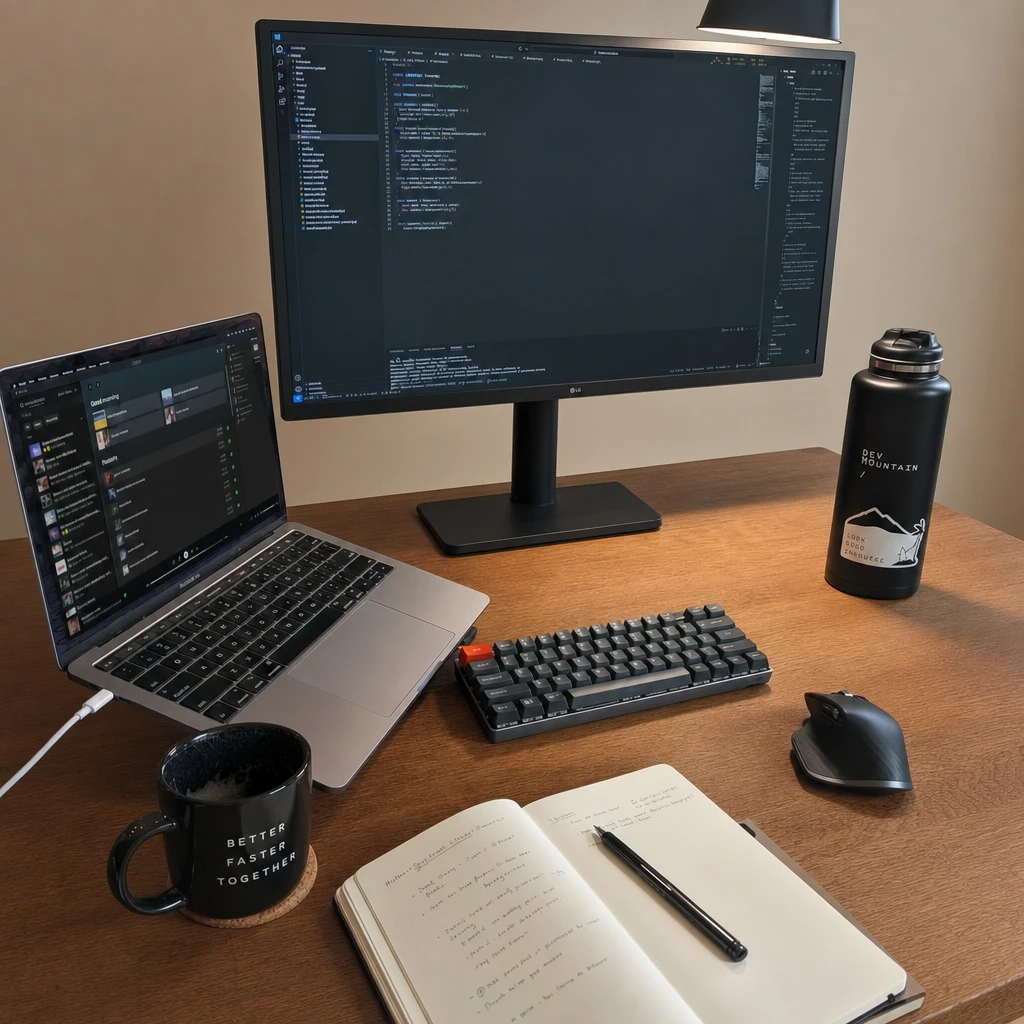
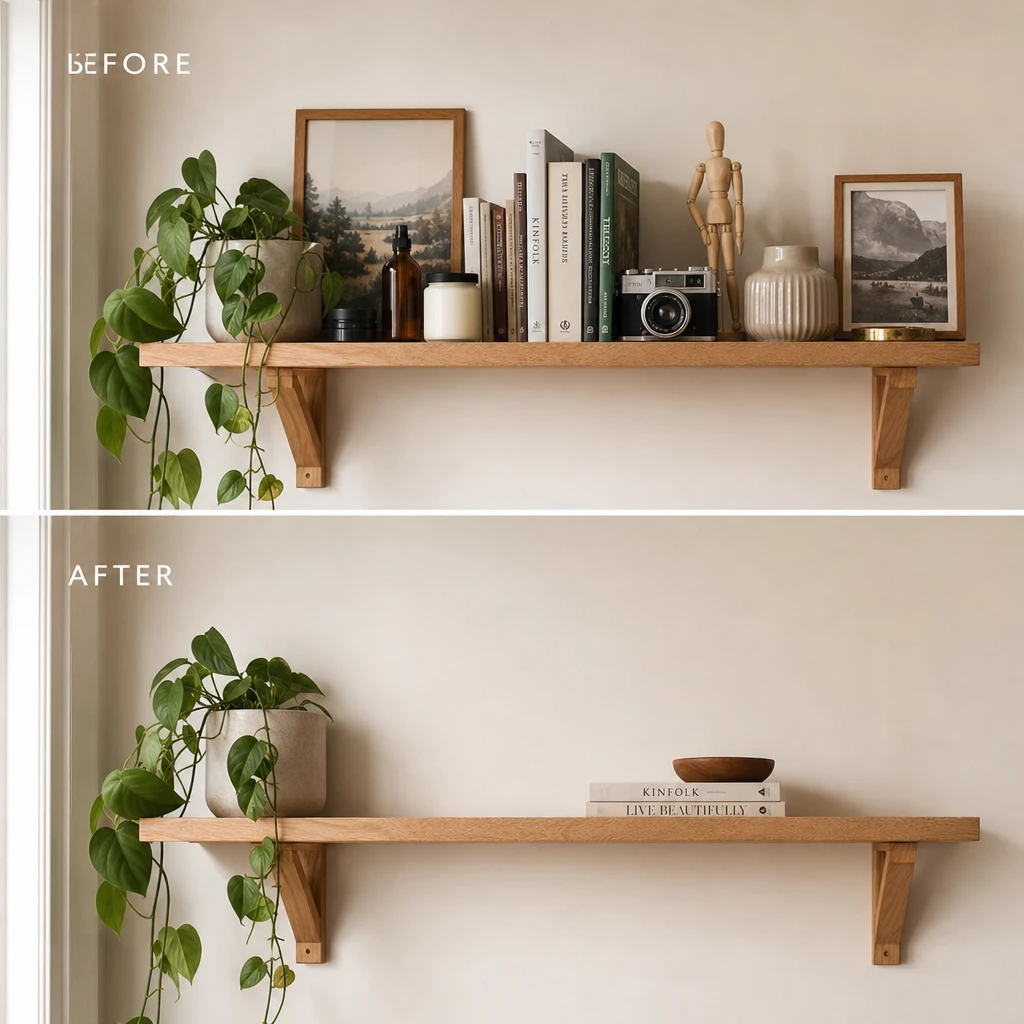
Declutter scene

Removed distracting objects from the background.

Remove clutter and extra objects from the background. Keep the main subject unchanged.

BeforeAfterAfter

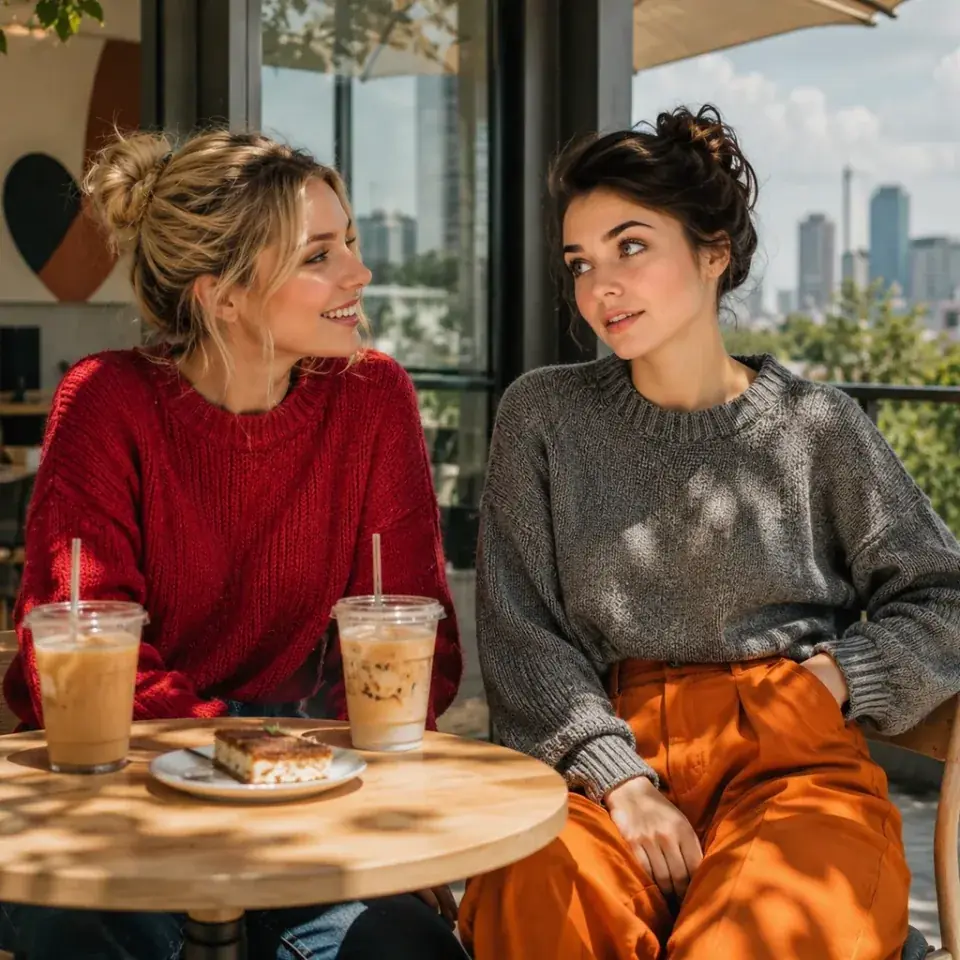
Two-photo café composite

Merged two portraits into one realistic terrace scene with both faces preserved.

On the terrace of a modern art café, two young women enjoy a leisurely afternoon — one in a red sweater, one in gray knit and orange wide-leg pants — with iced coffee and city views.

Edit capabilities

What you can edit with a prompt

From subtle touch-ups to full scene transformations.

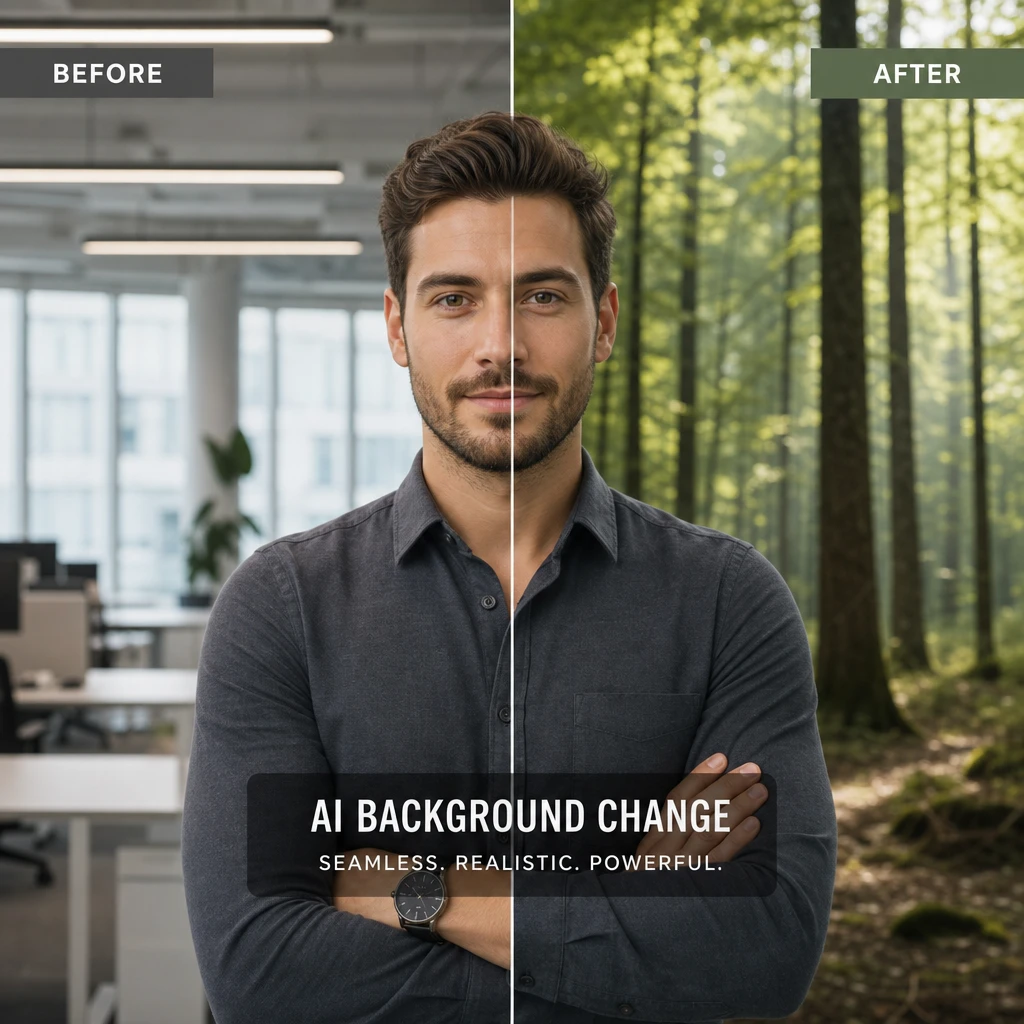
Change photo backgrounds

Change photo backgrounds

Replace environments while keeping your subject natural.

Relight portraits & scenes

Relight portraits & scenes

Adjust mood and lighting without reshooting.

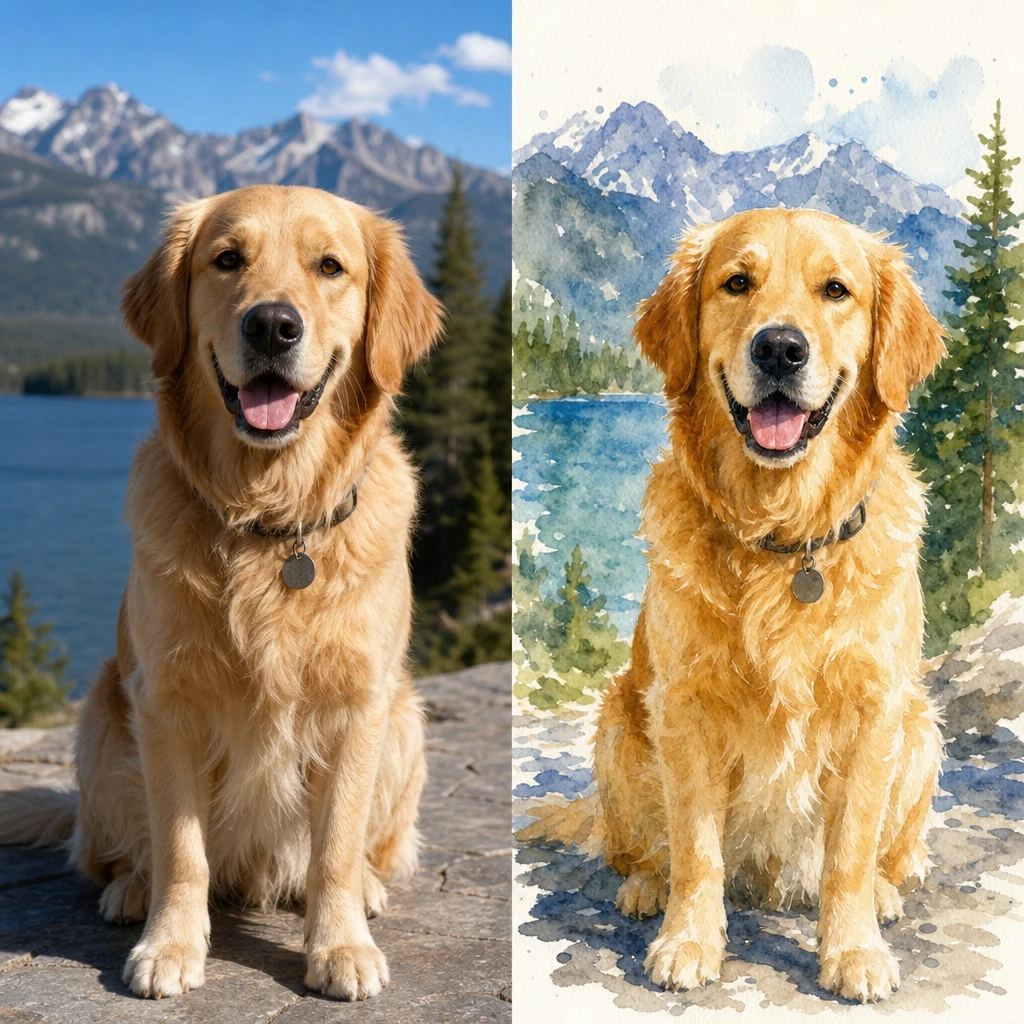
Apply artistic photo filters

Apply artistic photo filters

Apply artistic styles from watercolor to cinematic — like good picture filter apps, but prompt-driven.

Remove or replace objects

Remove or replace objects

Add, remove, or replace elements in the scene.

Portrait retouching

Whiten teeth, smooth skin, and adjust eye color — subtle AI photo retouch without over-editing.

Face & identity edits

Swap expressions or combine multiple reference photos while keeping identity consistent.

Edit pictures online with AI

Four simple steps in the workbench above:

Upload your image
01

Upload your image

Drag and drop or click to upload up to 3 reference images.

Tips for better AI image edits

Get more predictable results with these prompt practices.

Be specific

Instead of "make it better," try "add soft coastal daylight" or "change the jacket to navy blue."

Lock what stays

Say what must not change: "Change only the background, keep face and pose."

Iterate in small steps

Make one adjustment at a time rather than rewriting everything at once.

Use multiple references

Upload extra images to guide style or composition: "Apply the look from image 2."

Common questions

How to edit pictures online with AI?

Upload a photo to the workbench, describe what you want changed in plain language, pick your settings, and generate. No desktop software or layers — the AI applies backgrounds, filters, retouching, and object edits from your prompt.

Ready to try AI picture editing?

Upload an image and describe your edit in the workbench above.

Related free tools

Enhance and clean up with free AI tools

Upscale resolution, restore vintage prints, or remove objects — no account required.