JULY 19, 2026
How to Merge Two Photos with AI: Create Realistic Couple Photos & Custom Scenes
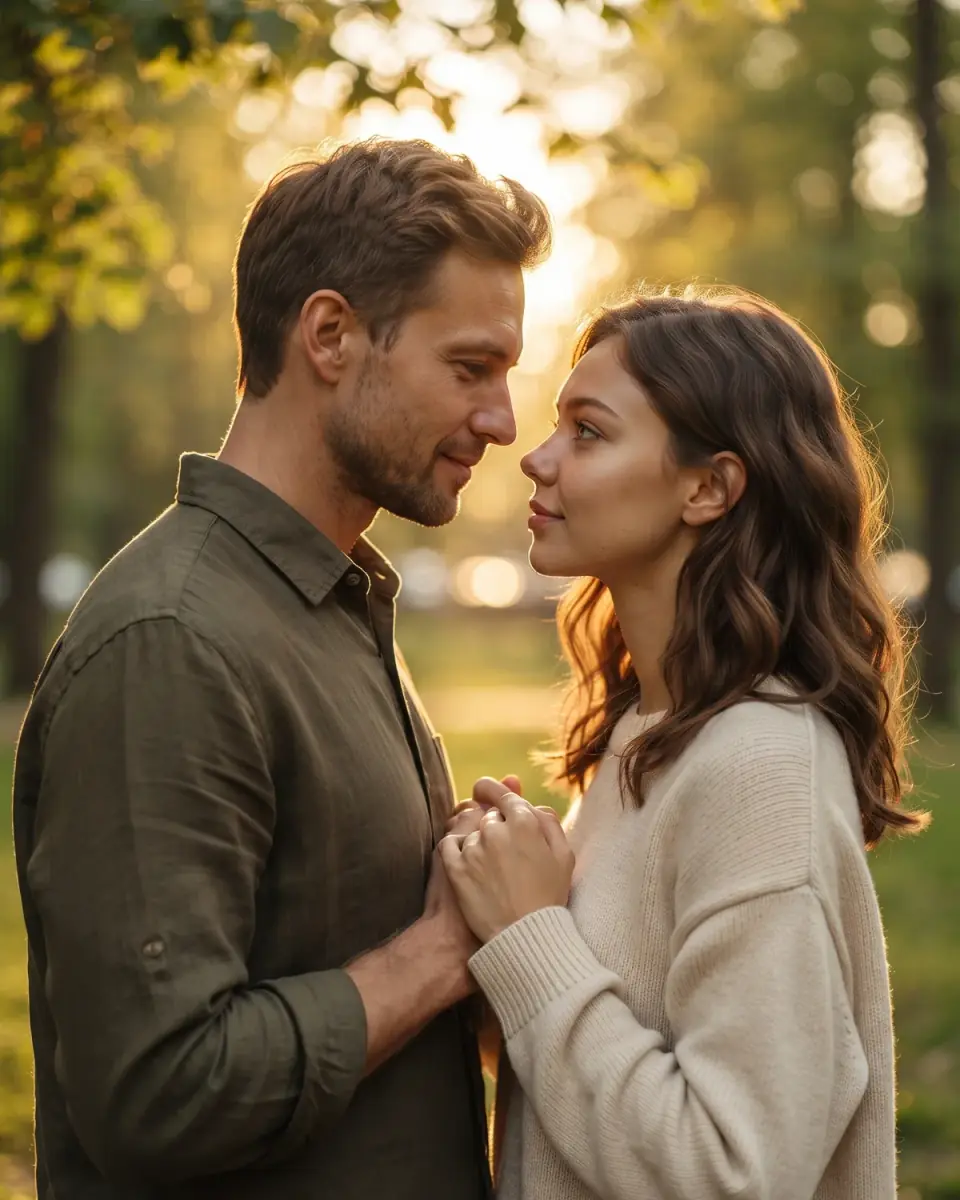
Learn how to merge two photos with AI — use Vibe Photos’ free AI couple photo maker to combine two pictures, or the Image Edit workbench to put two people together in a custom scene with matched lighting.
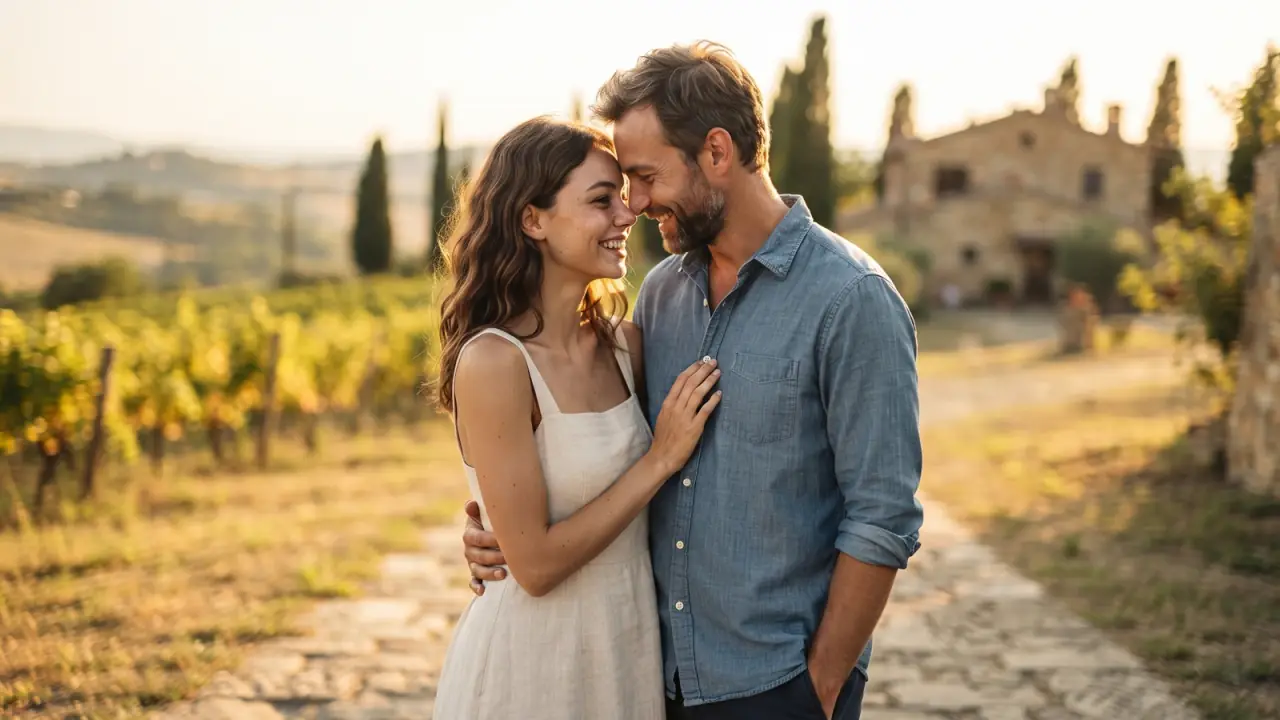
Have you ever wanted to merge two photos with AI — a partner who lives far away, a family member who missed the reunion, or two portraits that belong in one frame? Traditional editing meant hours in Photoshop: masking, resizing, and fighting mismatched lighting. In 2026, an AI couple photo maker (or a flexible image editor) can combine two pictures into one natural scene in minutes.
This guide shows how to ai merge two photos on Vibe Photos: a fast free tool for couple blends, plus the Image Edit workbench when you need custom backdrops, lighting control, or up to three reference images.
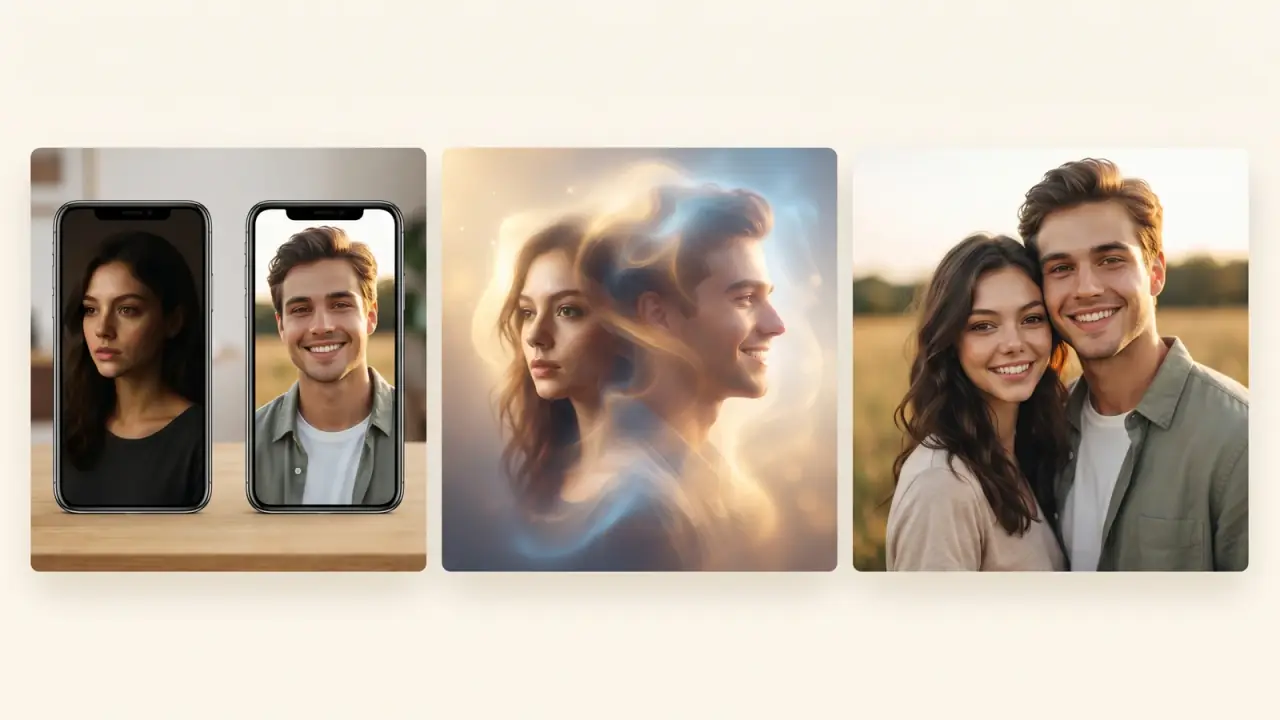
What AI picture combining means
An AI picture combiner does more than paste cutouts side by side. You upload two (or more) reference images and describe the final scene. The model blends faces, clothing edges, and lighting so the result looks like a single photograph — not a sticker collage.
If you only need a grid layout for albums or mood boards, use the photo collage maker. When you need to put two people together in a photo with matched light and depth, use AI blending instead.
What it is best for
- Couple photos and anniversary cards — make couple photo from two photos when you were never shot together.
- Family and reunion portraits — bring people from separate phones into one frame.
- Product and lifestyle composites — place a subject into a clean ecommerce or campaign background.
- Social thumbnails and before/after concepts — quick creative drafts before a full shoot.
Method A: Free AI couple photo maker (fast path)
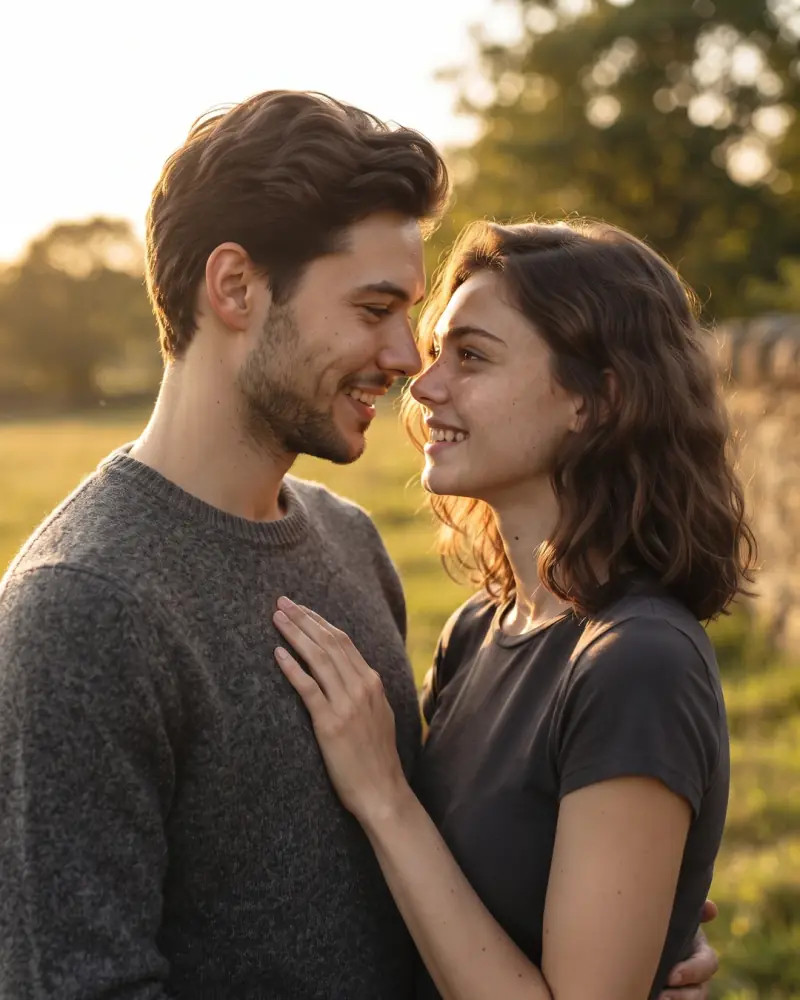
For a focused free AI couple photo maker flow, open the AI Image Combiner. It is built to ai merge photos from two portraits into one cohesive dual-portrait blend.
Step-by-step
- Go to /tools/ai-image-combiner.
- Upload portrait A and portrait B (clear faces, similar framing works best).
- Run the merge and preview the blended couple photo.
- Download the result for cards, gifts, or social posts.
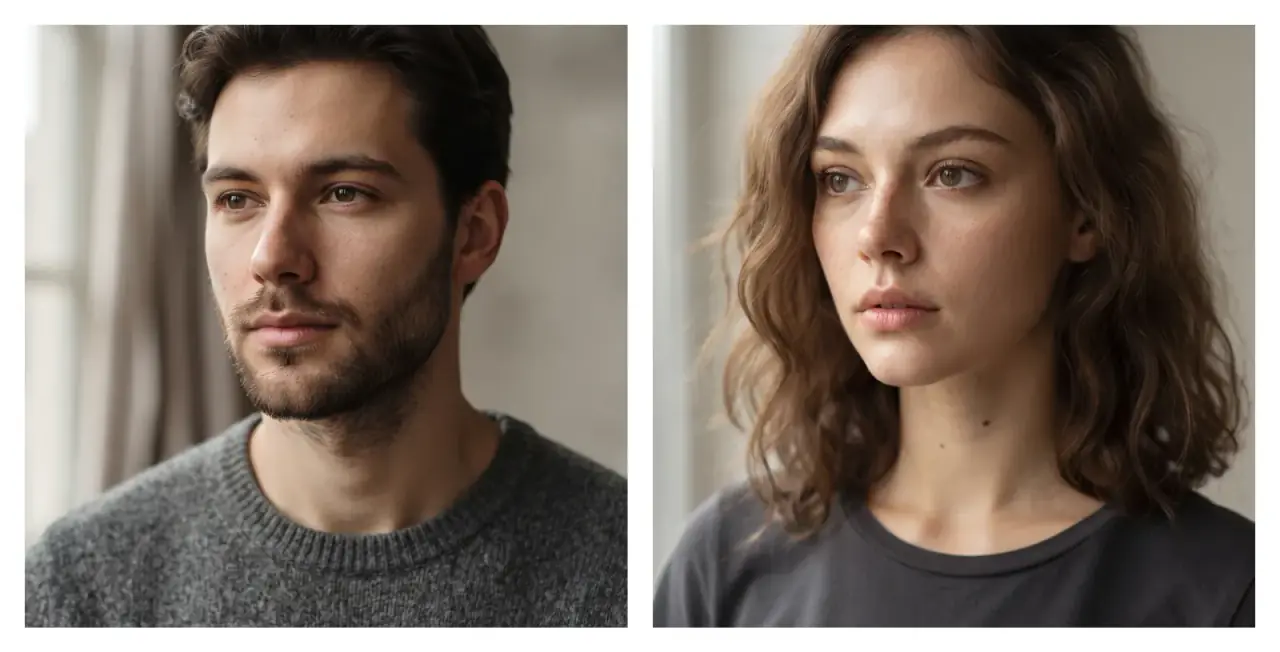
Method B: Image Edit workbench (custom scenes)
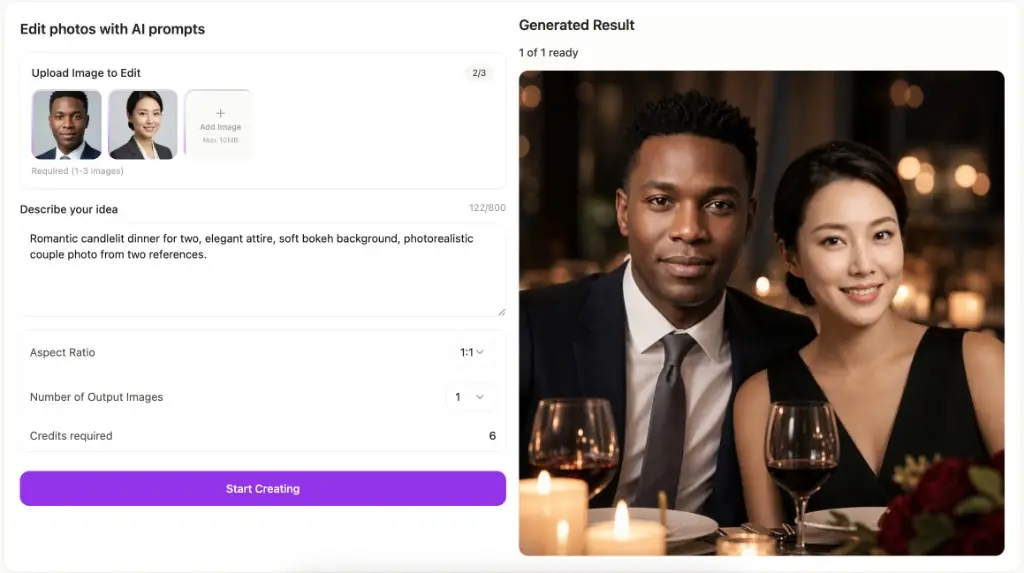
Need a beach sunset, café interior, or studio backdrop? Use the AI image editor. Upload up to three reference images (person A, person B, optional scene) and describe how they should interact. This is the flexible path when the combiner’s default blend is not enough.
Step-by-step
- Open /image-to-image.
- Upload two portraits (and a scene photo if you have one).
- Write a clear prompt: interaction + setting + lighting + quality (examples below).
- Generate, iterate in small steps, then save to your gallery.
Best AI prompts to combine two photos
Use this formula:
[Subject interaction] + [Setting] + [Lighting] + [Quality]
- Two people standing shoulder to shoulder on a golden-hour beach, natural smiles, soft sunlight, photorealistic, matched color temperature, realistic ground shadows.
- A couple sharing a warm embrace in a cozy living room, soft window light, DSLR photography, keep both face identities.
- Family reunion portrait around a dinner table, warm indoor lighting, natural expressions, seamless blend of faces from the references.
- Place both people into the beach scene from image 3, side by side looking at the ocean at sunset, cinematic lighting.
- Romantic candlelit dinner for two, elegant attire, soft bokeh background, photorealistic couple photo from two references.
Common mistakes when merging photos
1. The “floating” cutout look
Missing shadows make people look pasted on. Ask for realistic ground shadows and matched contact with the floor or ground in your prompt — or use the combiner’s automatic blend.
2. Mismatched lighting direction
If one face is lit from the left and the other from the right, the merge feels fake. Prefer soft, even source photos, or tell the editor to relight both subjects with soft studio / golden-hour light.
3. Scale and eye-line errors
Keep adult eye lines roughly aligned unless one person is meant to stand higher. Start from similar crops (head-and-shoulders vs full body) when possible.
Feature | Vibe Photos | Photoshop | Canva collage | Generic AI combiner sites |
|---|---|---|---|---|
Seamless AI blend | Yes (Combiner + Image Edit) | Yes (manual / Generative Fill) | Limited (cutout look) | Often yes, limited scene control |
Multi-reference (2–3 images) | Yes (up to 3 in Image Edit) | Yes (complex) | Layers only | Usually 2 max |
Custom scene + prompt | Full Image Edit workbench | Expert level | Weak | Templates vary |
Free try / no install | Browser tools + workbench | Paid desktop | Free tier / Pro for remover | Trials + paywalls |
All-in-one studio | Best — edit, text-to-image, packs, free tools | Editing only | Design suite | Single feature focus |
Bottom line: Vibe Photos wins when you want both a dedicated AI couple photo generator and a full prompt-based editor for custom scenes — without installing desktop software.
FAQ
How can I merge two photos without Photoshop?
Use AI Image Combiner for a fast couple blend, or Image Edit for prompt-controlled scenes.
Is there a free AI app to put two people together?
Vibe Photos offers a free combiner tool in the browser. For advanced multi-reference scenes, use the Image Edit workbench with credits.
Can AI make a couple photo from two separate photos?
Yes — that is exactly what an AI couple photo maker is for. Upload two clear portraits and generate a shared scene.
Will the result look like a sticker?
Good AI blends re-render lighting and edges. If results look cut out, improve source photos and add shadow / lighting language to your prompt.
Combiner vs Image Edit vs collage — which should I use?
- Combiner — fastest path to merge two portraits.
- Image Edit — custom backdrop, filters, up to 3 references.
- Collage — grid layouts only, not a natural dual portrait.
Start merging your photos today
Ready to combine two pictures into one frame? Try the AI Image Combiner, then open Image Edit when you want a custom scene. Explore more free utilities on the tools directory, or browse AI photo packs for styled portrait sets from one selfie.